> For the complete documentation index, see [llms.txt](https://help.quickappflow.com/llms.txt). Markdown versions of documentation pages are available by appending `.md` to page URLs; this page is available as [Markdown](https://help.quickappflow.com/product-guides/recruitment-and-ats/job-tracker/recruiter-can-perform-different-action/cancel-interview.md).
# Cancel Interview
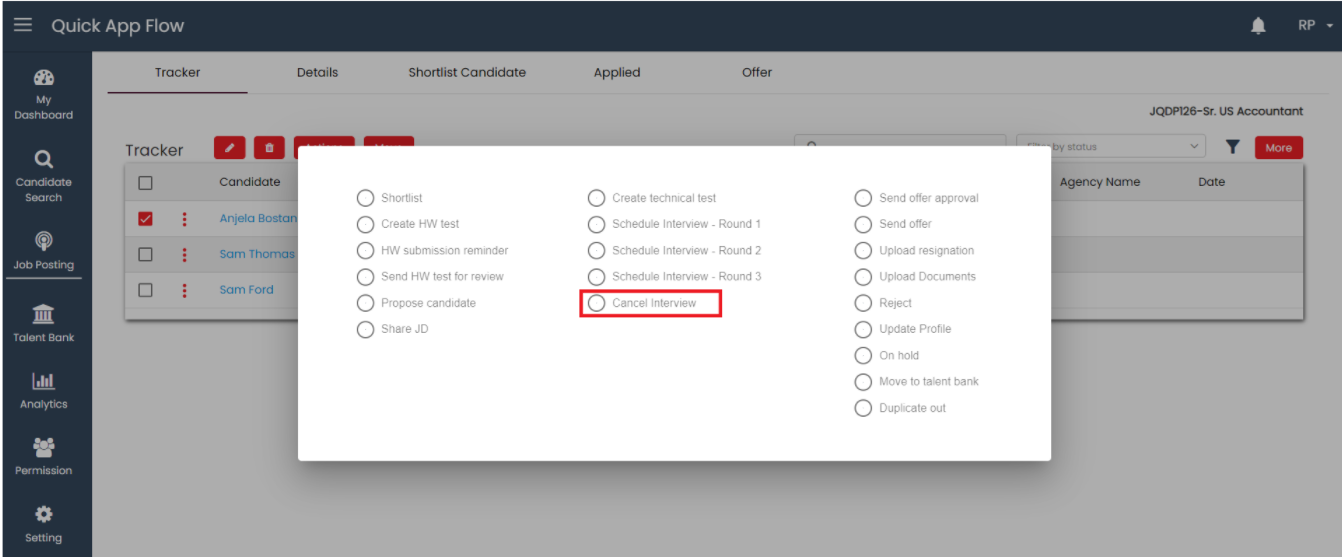
A recruiter can cancel the interview for one candidate at a time. If the current status is 'Technical test scheduled,' 'Round-1 Scheduled,' 'Round-2 Scheduled,' or 'Round-3 Scheduled,' the 'Cancel interview' option is enabled.
When the recruiter performs the ‘**Cancel Interview’** action, a pop up should appear.
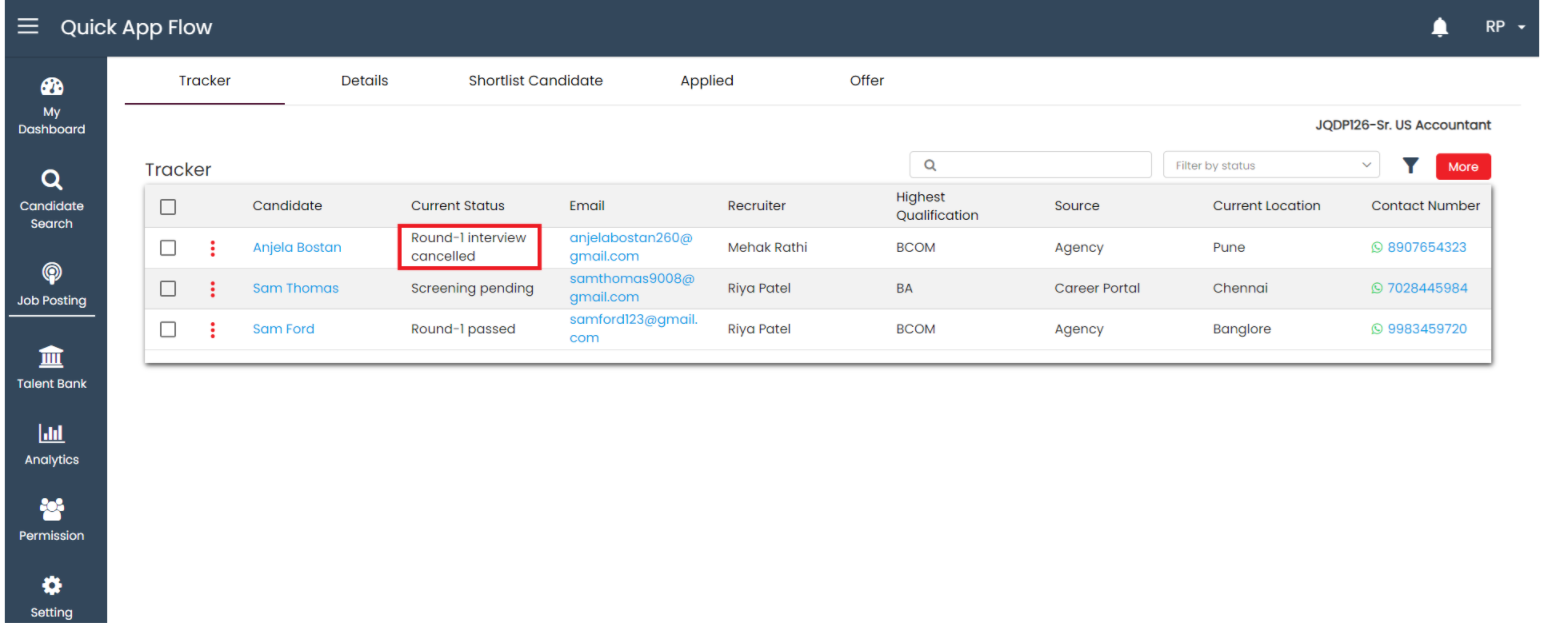
When click on yes, the status change to **‘Technical test cancelled/Round-1 Cancelled/Round-2 Cancelled/Round-3 cancelled’** in the tracker, and a activity is added as a '**Technical test cancelled; Round-1/2/3 interview cancelled**'. The system sends email notifications to the candidate and the interviewer and an action-performed email is sent to the recruiter.
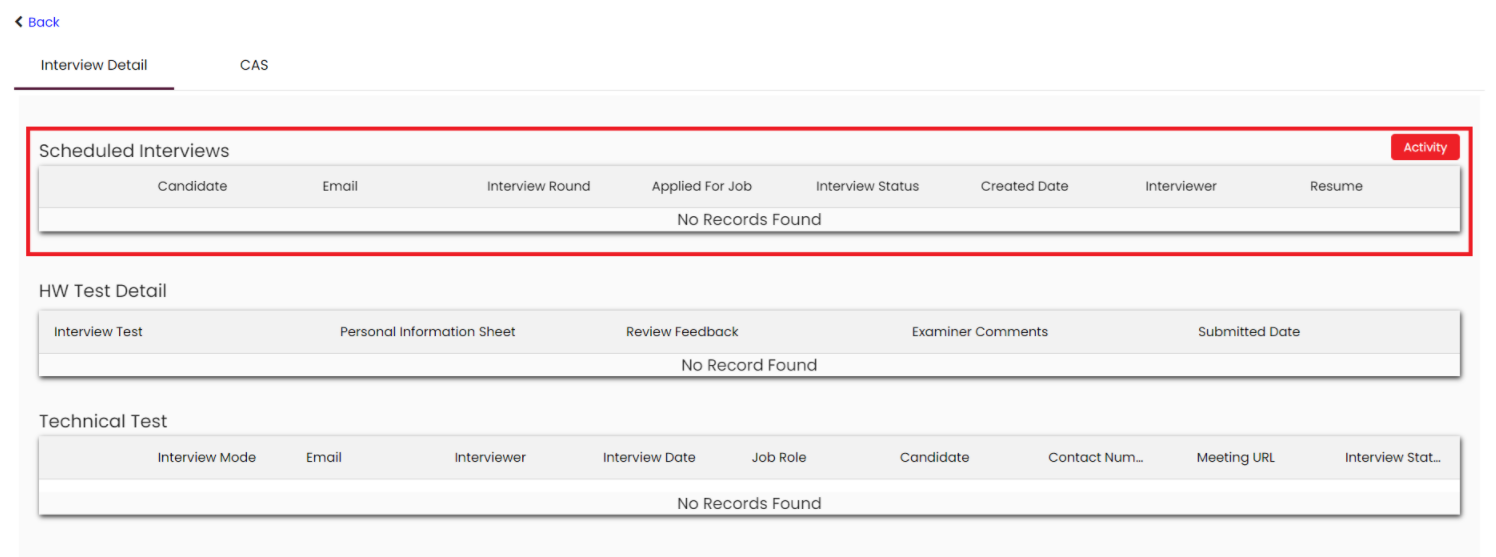
When the recruiter cancel an interview, the interview request is deleted from the interviewer's services and also from the interview scheduled grid.