> For the complete documentation index, see [llms.txt](https://help.quickappflow.com/llms.txt). Markdown versions of documentation pages are available by appending `.md` to page URLs; this page is available as [Markdown](https://help.quickappflow.com/product-guides/field-sales/weekly-plan.md).
# Weekly Plan
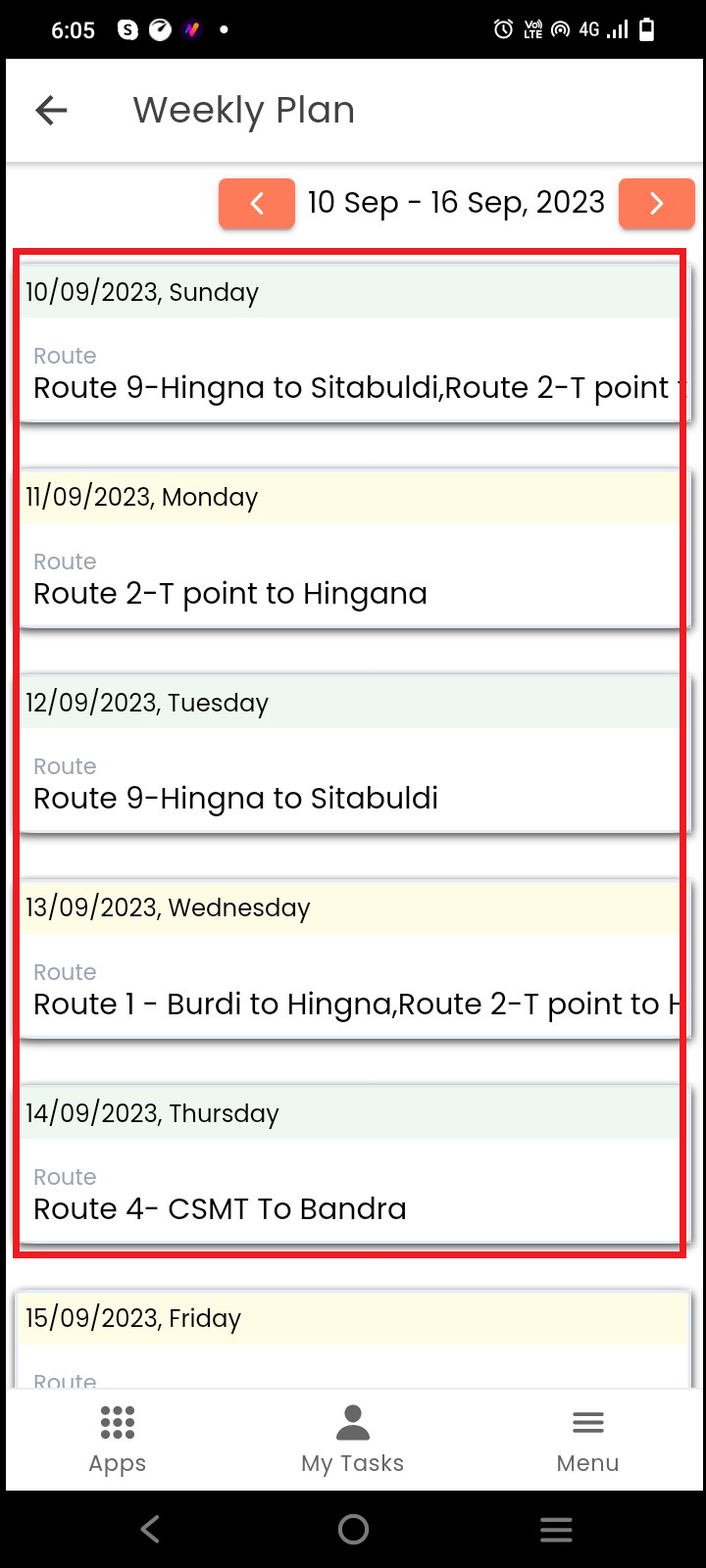
A weekly plan is a valuable tool for effective time management, goal achievement, and maintaining well-organized working hours.
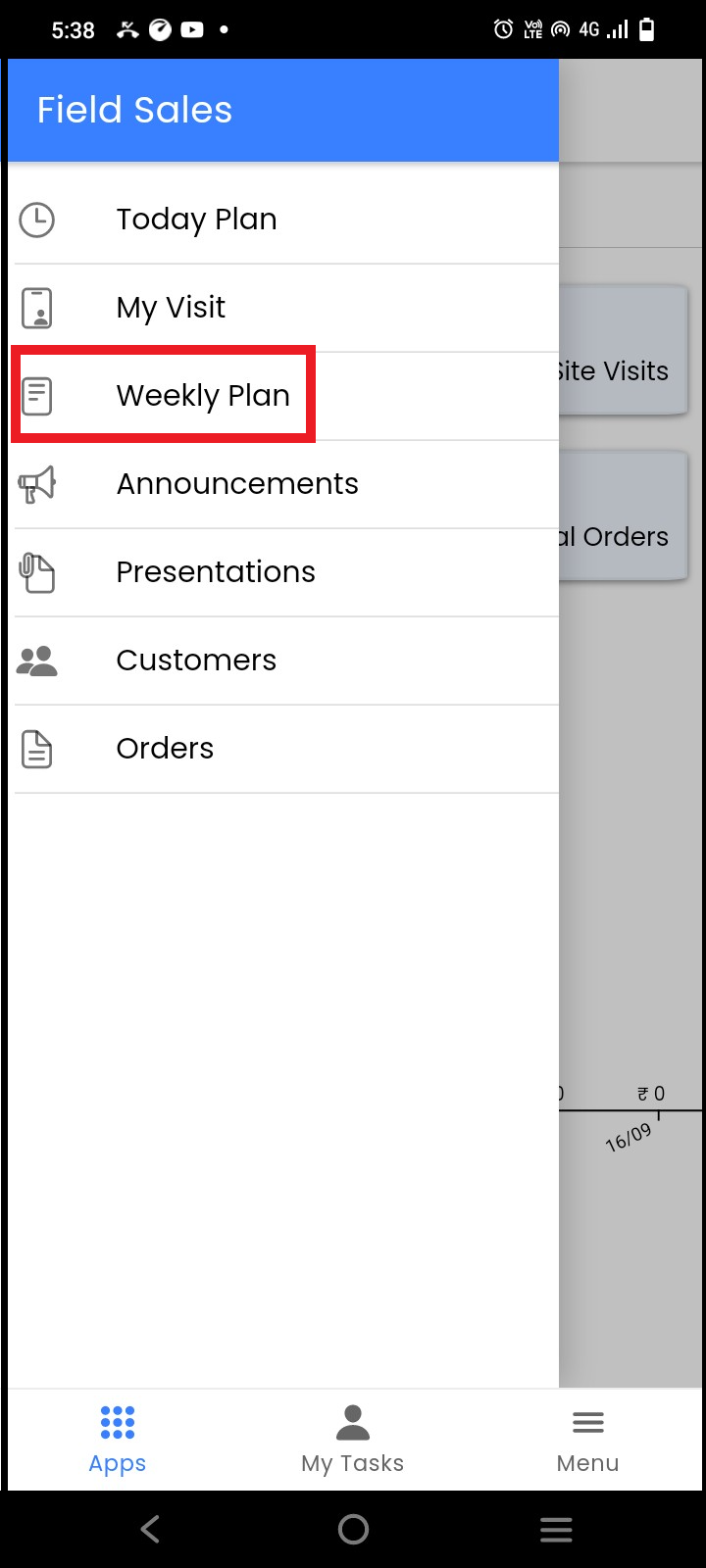
To add the site visit’s or customer's route to your week, go to the **Weekly Plan**
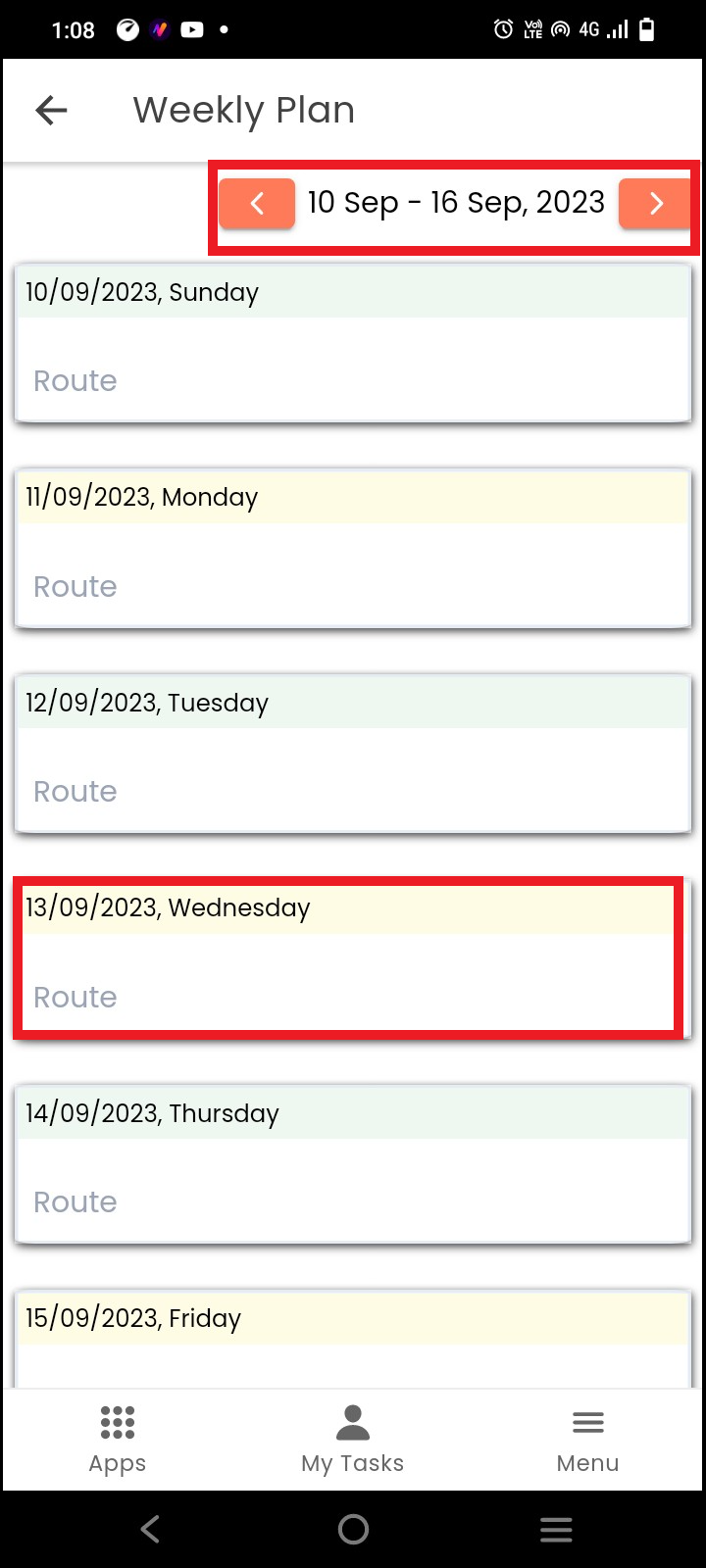
 On the weekly plan page, select the **week-in-date** navigator
To select the **route**, click on the **date** for which you want to plan a site visit
On the weekly plan page, select the **week-in-date** navigator
To select the **route**, click on the **date** for which you want to plan a site visit
 Select the route from the list. You can select more than one route at a time
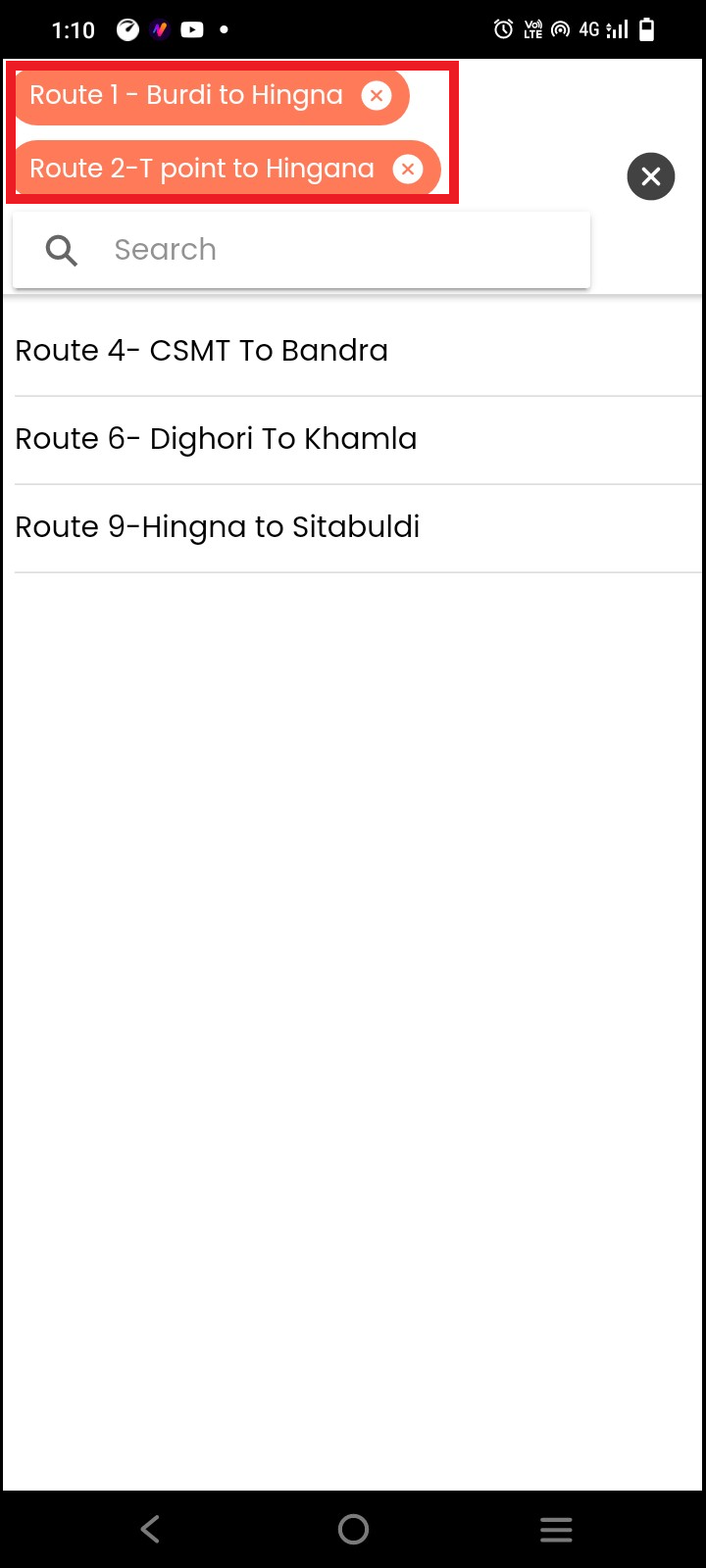 Once you select the route click on the **Save Plan**
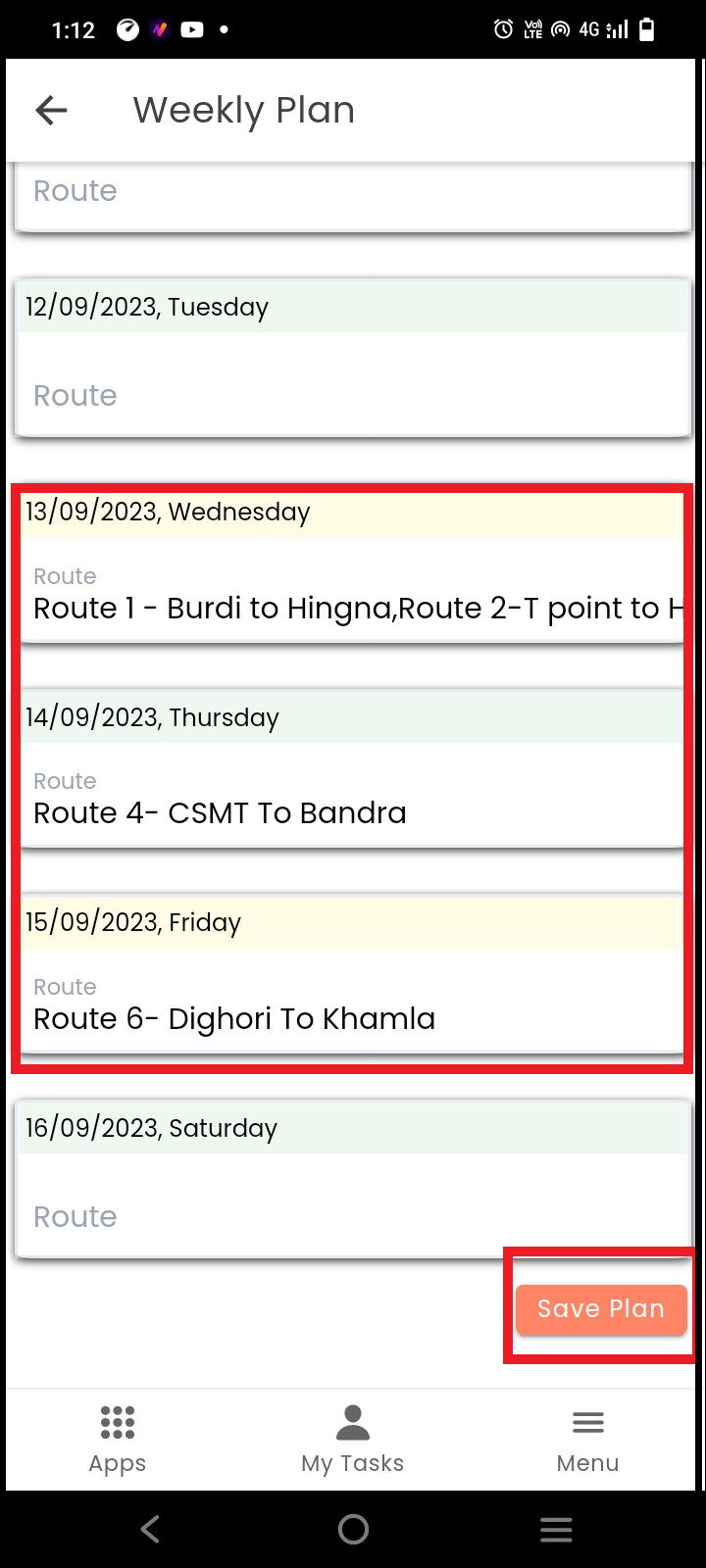 Your weekly plan will be saved