> For the complete documentation index, see [llms.txt](https://help.quickappflow.com/llms.txt). Markdown versions of documentation pages are available by appending `.md` to page URLs; this page is available as [Markdown](https://help.quickappflow.com/product-guides/field-sales/presentations-in-mobile-app.md).
# Presentations in Mobile App
In presentations, sales agent can download and check all the documents, photos, and videos related to the site visit
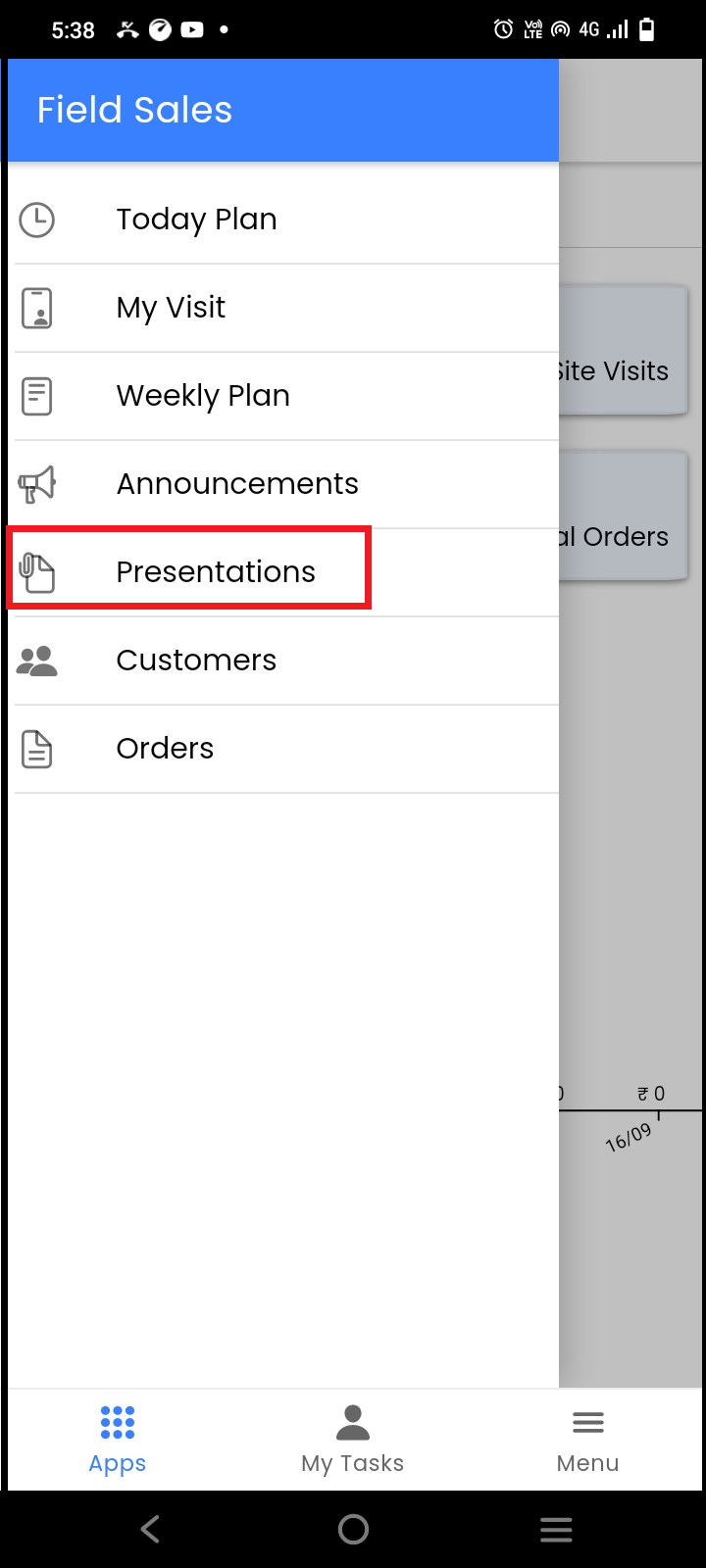
In Field sales, click on the **presentations**
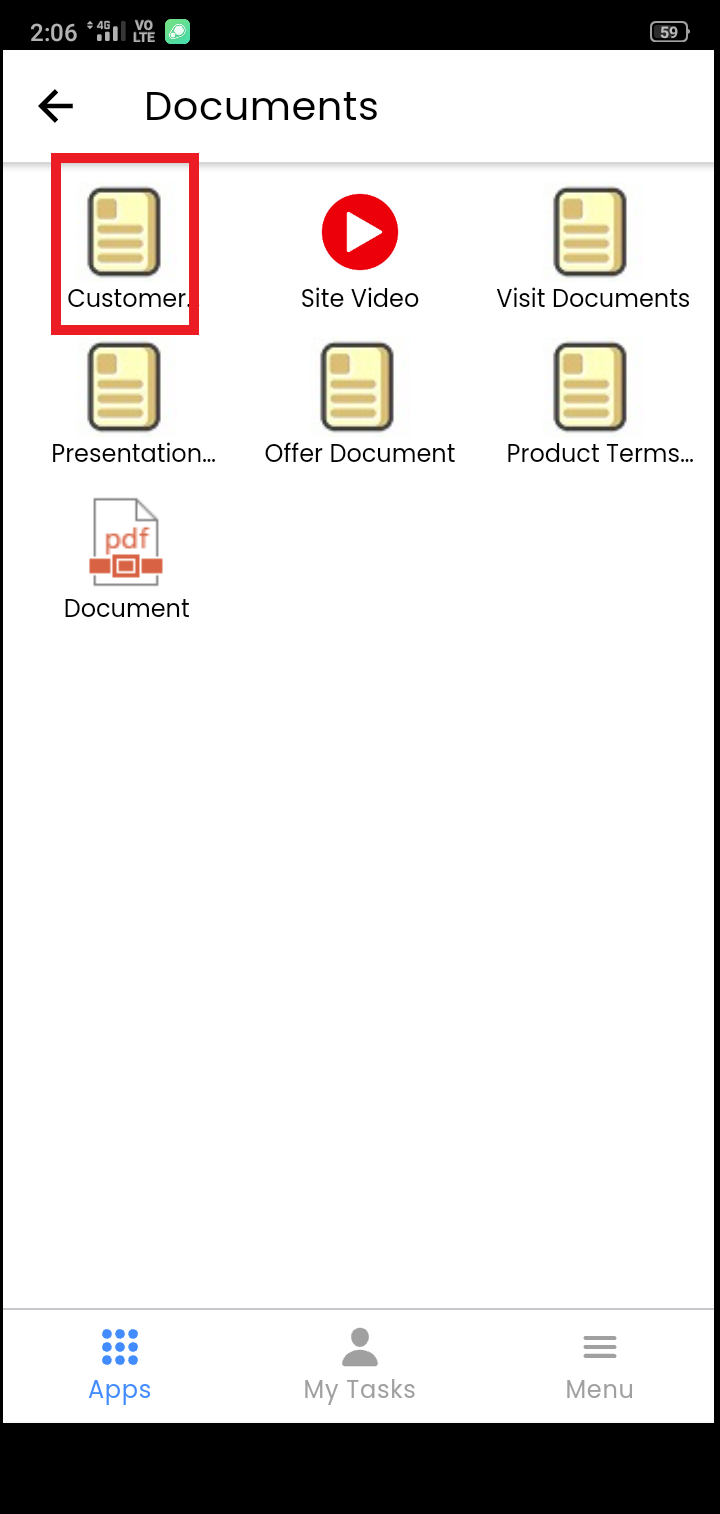
 On the presentation page, click on any document that you want to download and check
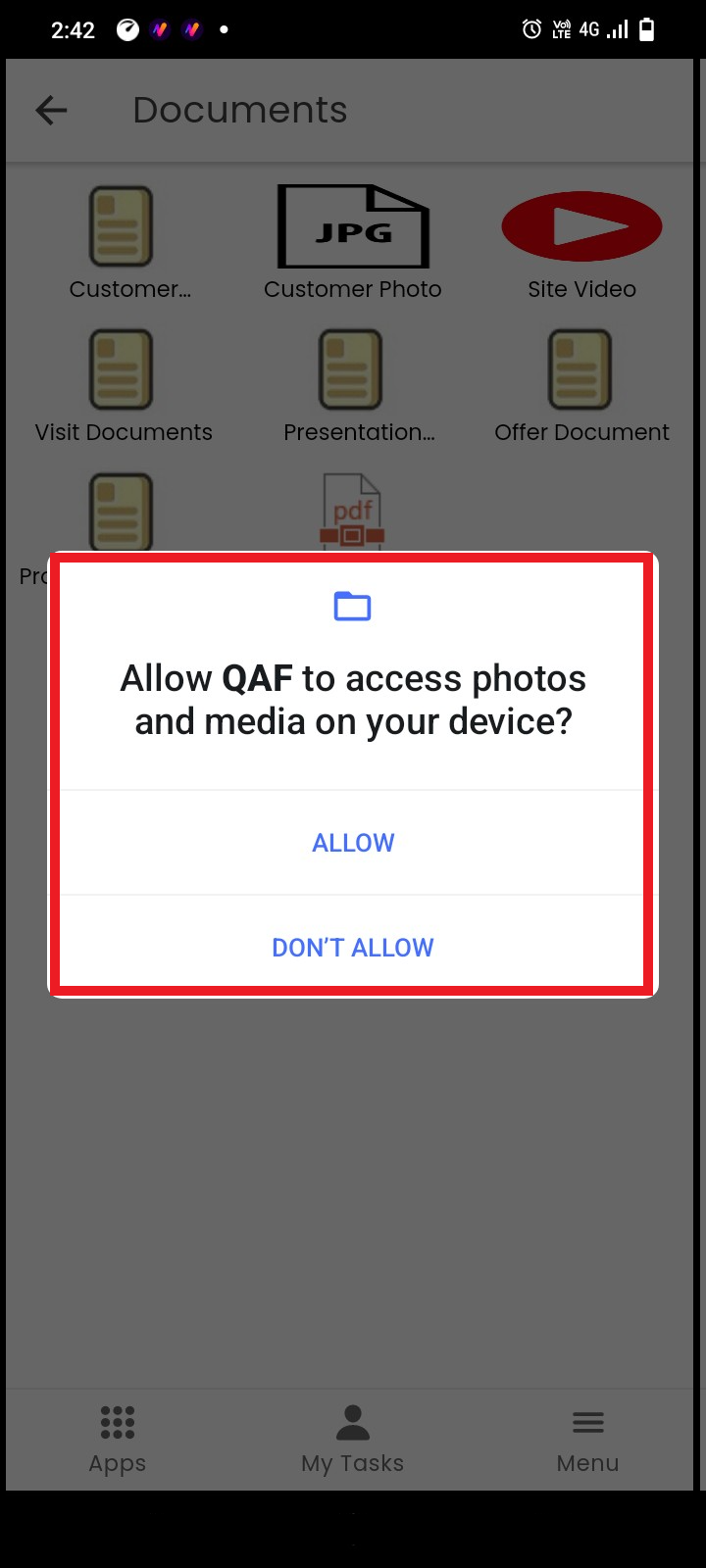
 Allow access for photos and media and the document will get downloaded successfully on your mobile