> For the complete documentation index, see [llms.txt](https://help.quickappflow.com/llms.txt). Markdown versions of documentation pages are available by appending `.md` to page URLs; this page is available as [Markdown](https://help.quickappflow.com/product-guides/recruitment-and-ats/recruiter-status-report.md).
# Recruiter Status Report
A recruiter status report summarizes the current status and progress of recruitment activities, including metrics and updates on open positions and candidate stages.
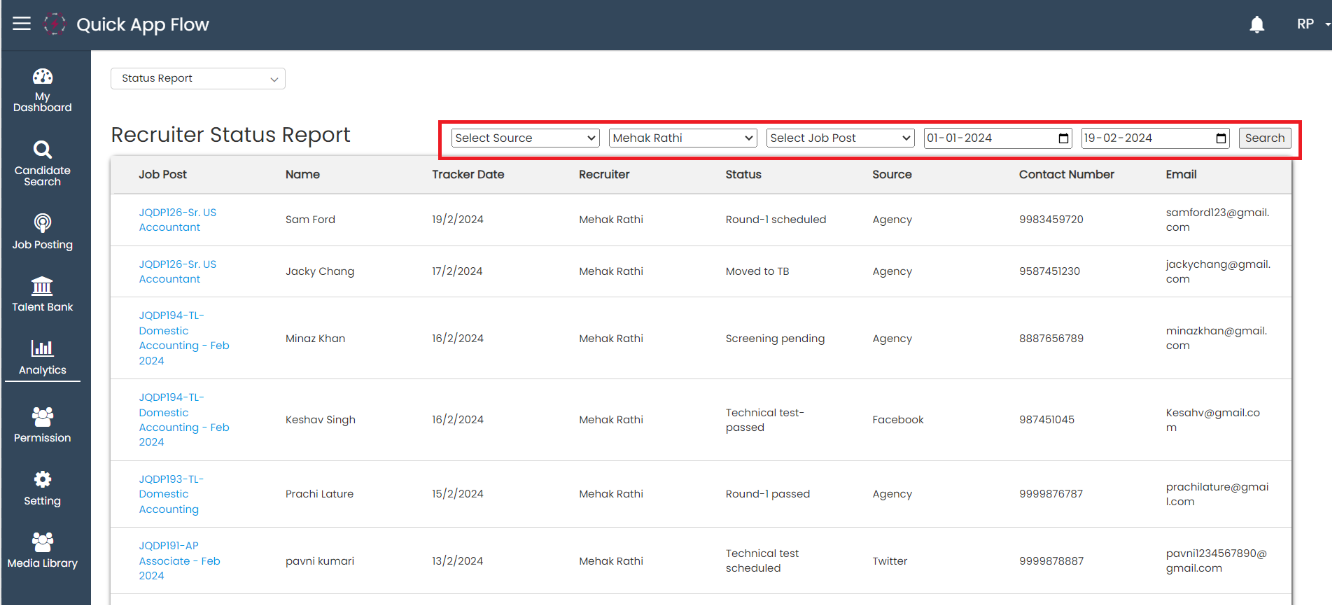
Go to **Analytics** and select **Status Report**
The recruiter is able to view all recruiters' uploaded candidate profiles.

The recruiter is able to search for candidates based on their source, recruiter, upload date, and job post.
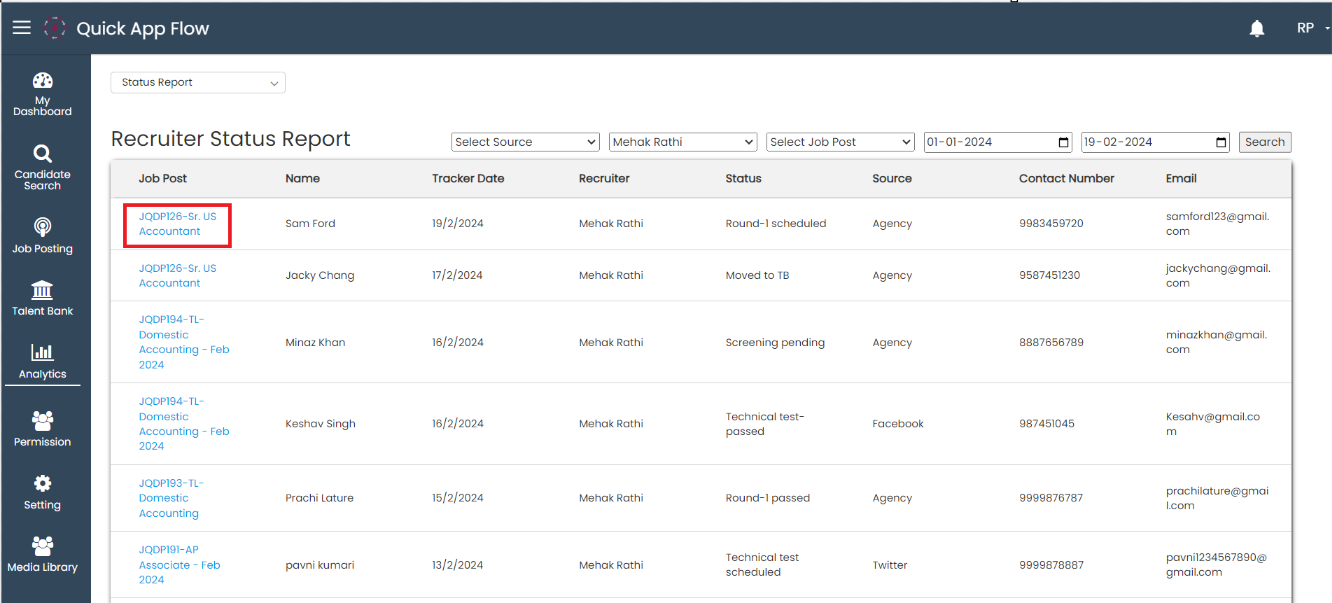
The recruiter can open the job tracker page from the recruiter status report by clicking on the job title.