> For the complete documentation index, see [llms.txt](https://help.quickappflow.com/llms.txt). Markdown versions of documentation pages are available by appending `.md` to page URLs; this page is available as [Markdown](https://help.quickappflow.com/holiday-from-mobile.md).
# Holiday From Mobile
A holiday is a day off from work for special reasons like religion, culture, or commemoration.
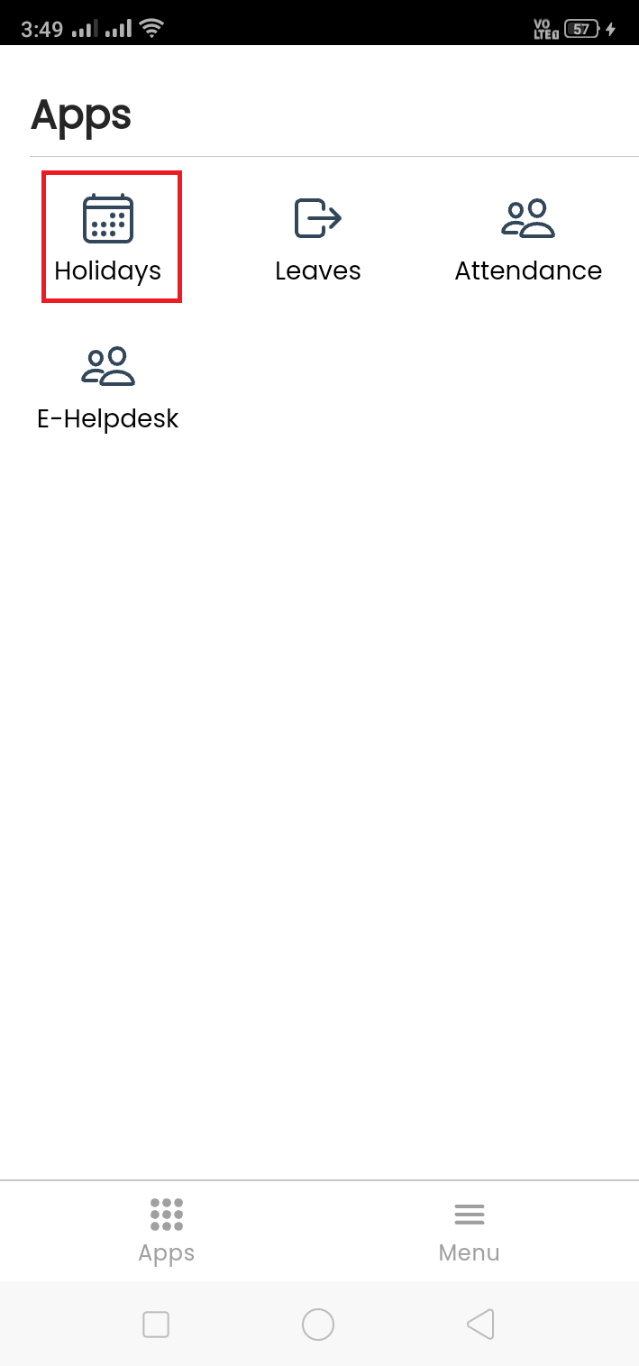
Go to **Holiday** App.
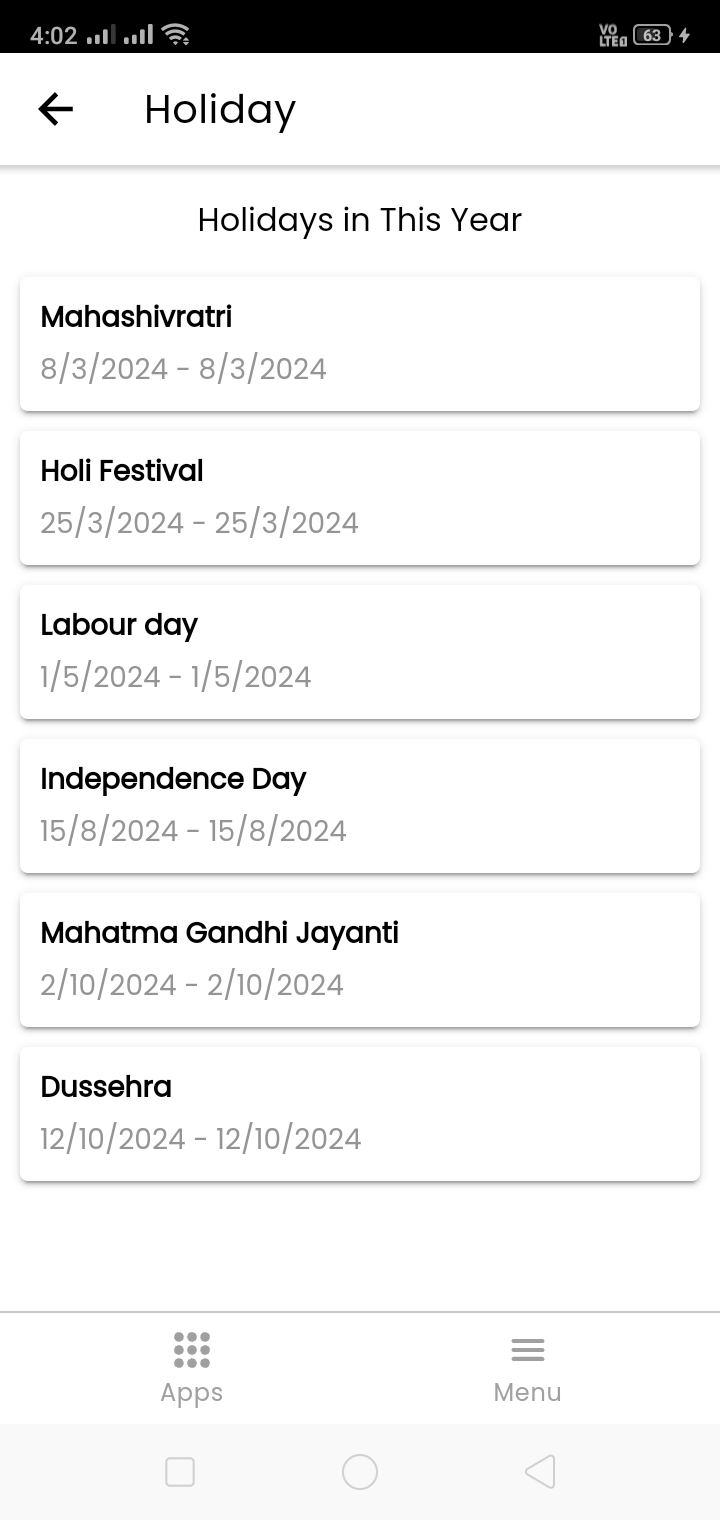
 Users can view this **year's holidays** specific to their location within the holiday app.
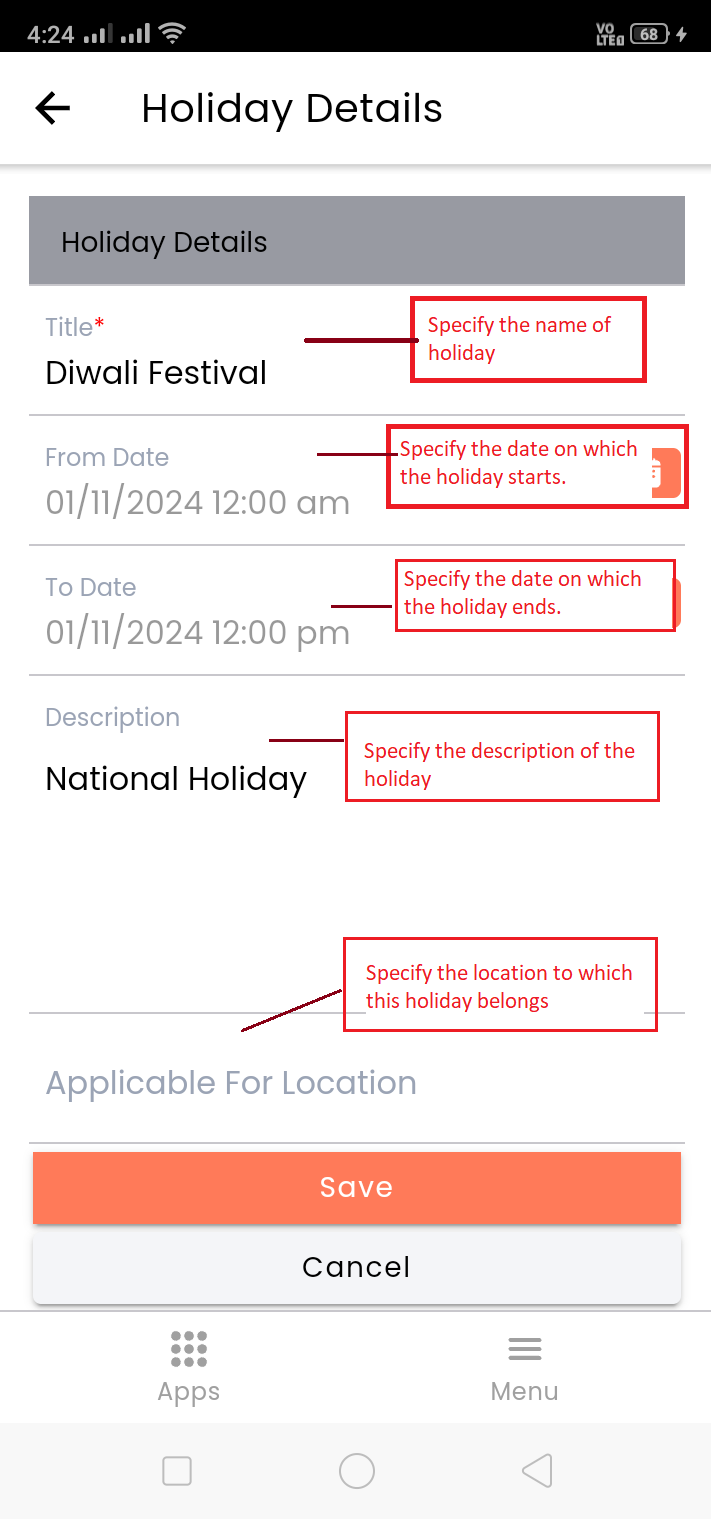
 Users with admin permissions can **add, edit and delete** holidays.
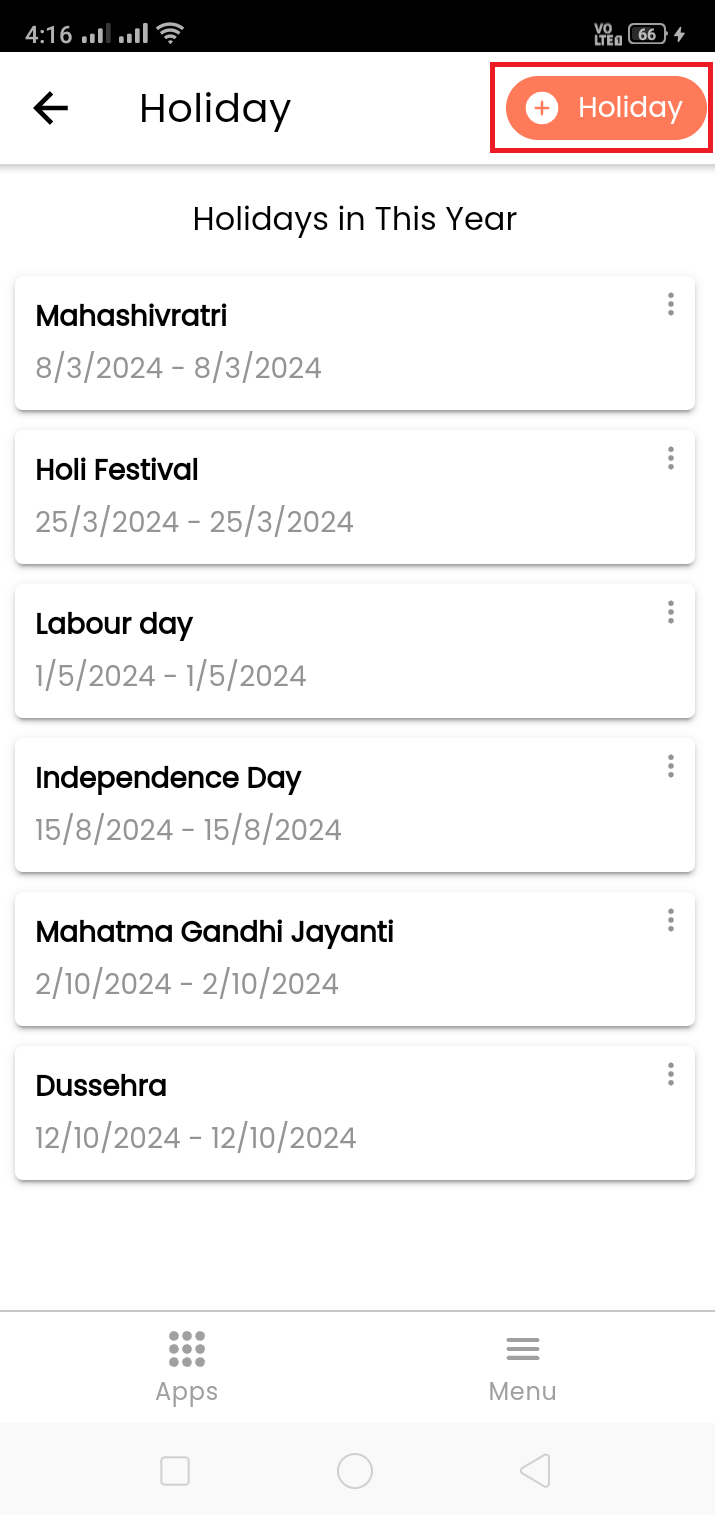 Enter required details and save it.
 After adding a holiday, it will be shown in the list.
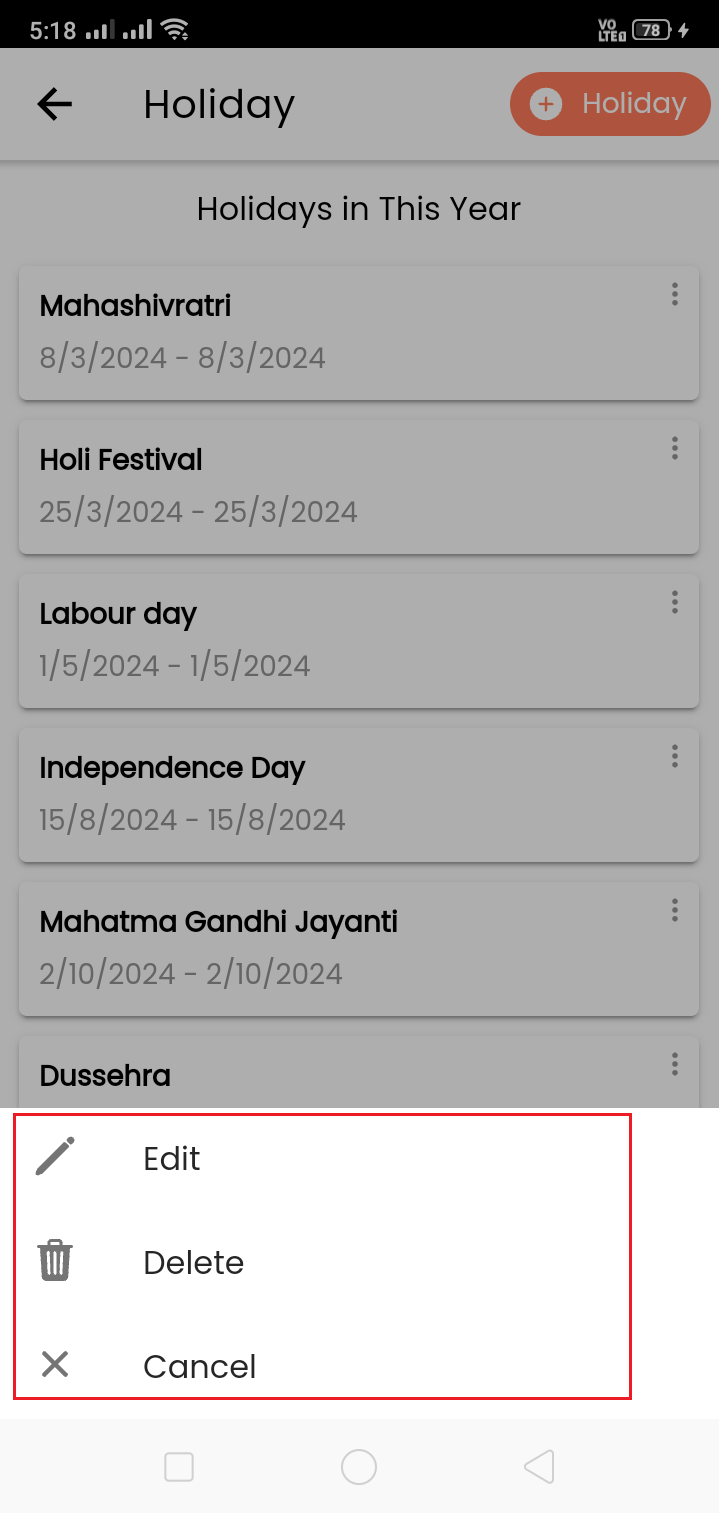
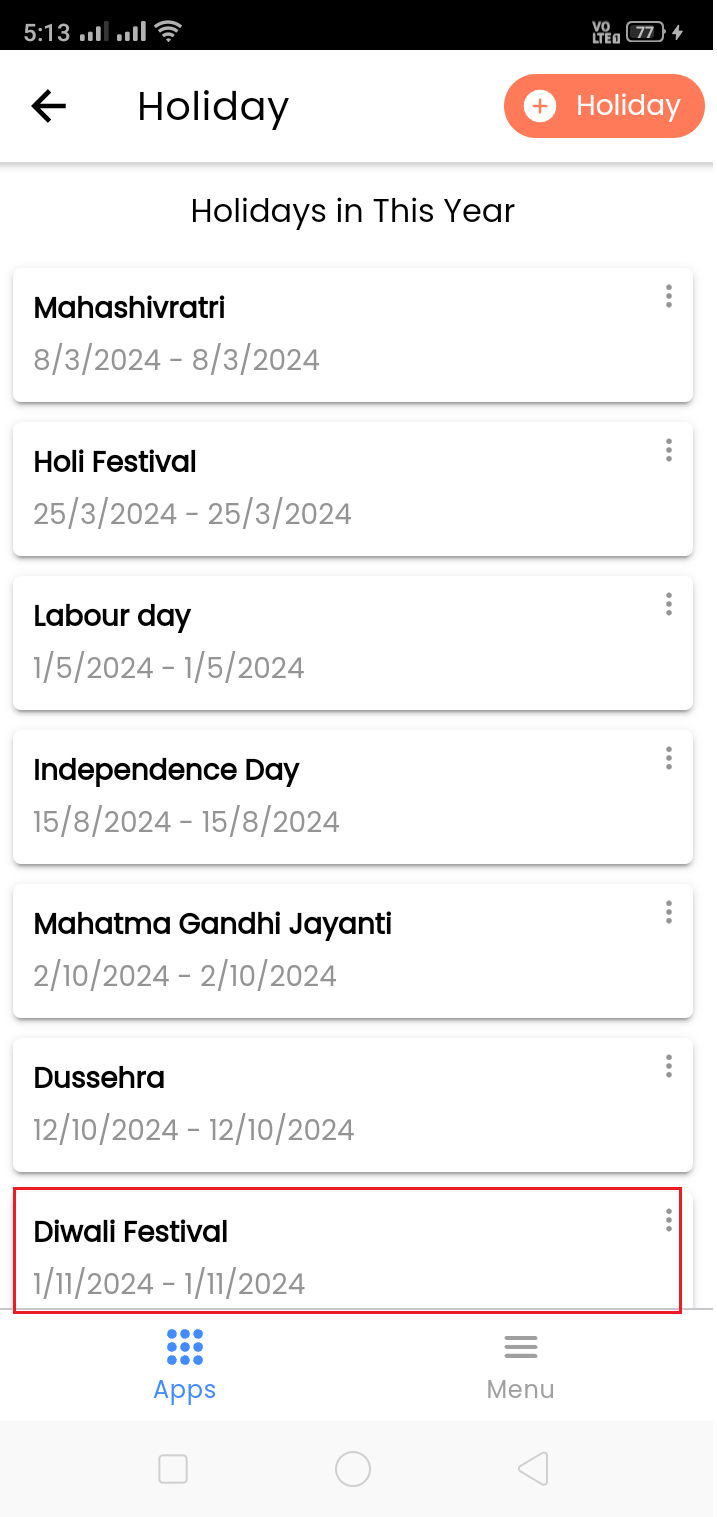 Click on three dots (Action) to edit or delete holiday.