> For the complete documentation index, see [llms.txt](https://help.quickappflow.com/llms.txt). Markdown versions of documentation pages are available by appending `.md` to page URLs; this page is available as [Markdown](https://help.quickappflow.com/product-guides/crm/product.md).
# Product
Organizations provide goods and services as a product. A list of products is an important part of business process.
## Add and Manage Product
To Create Product
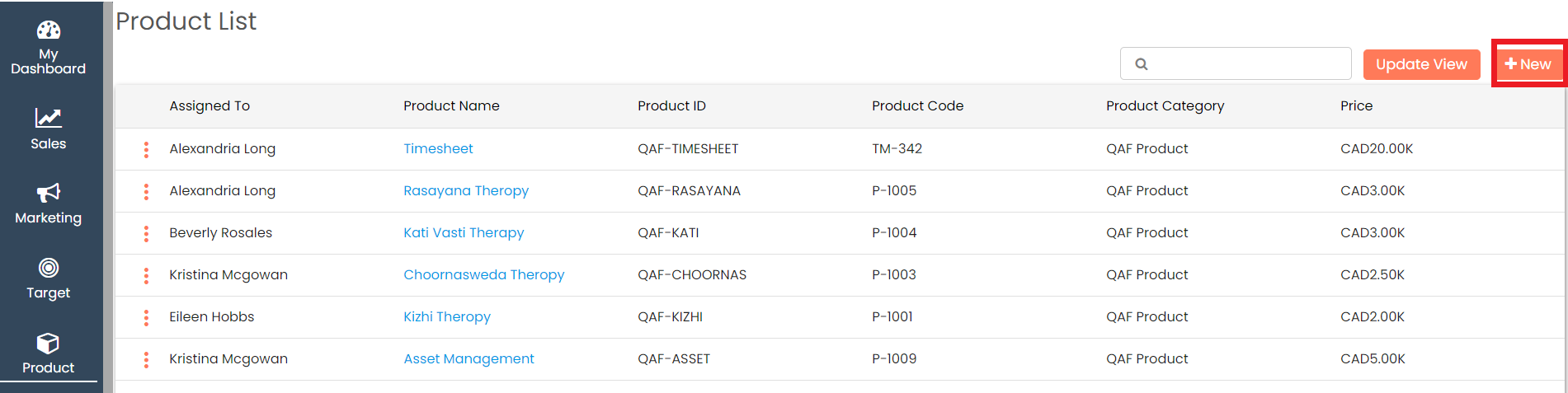
Go to left **Navigation and click on Product**

Click on **+New** to add a new product
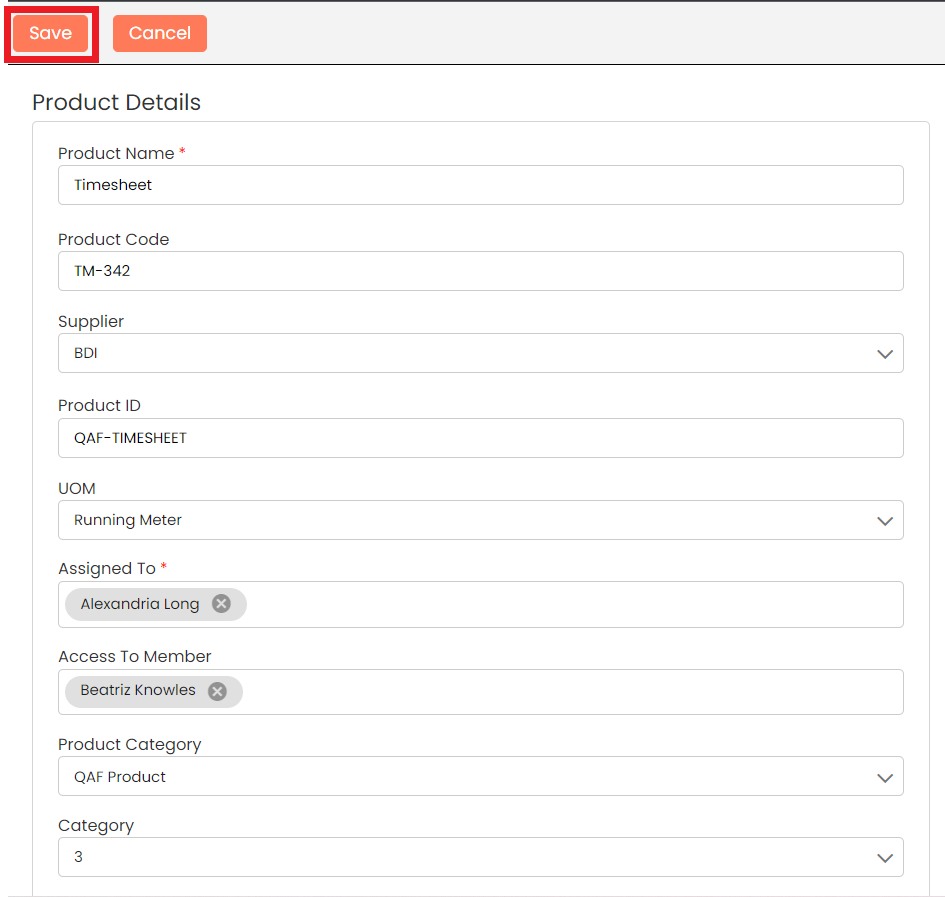
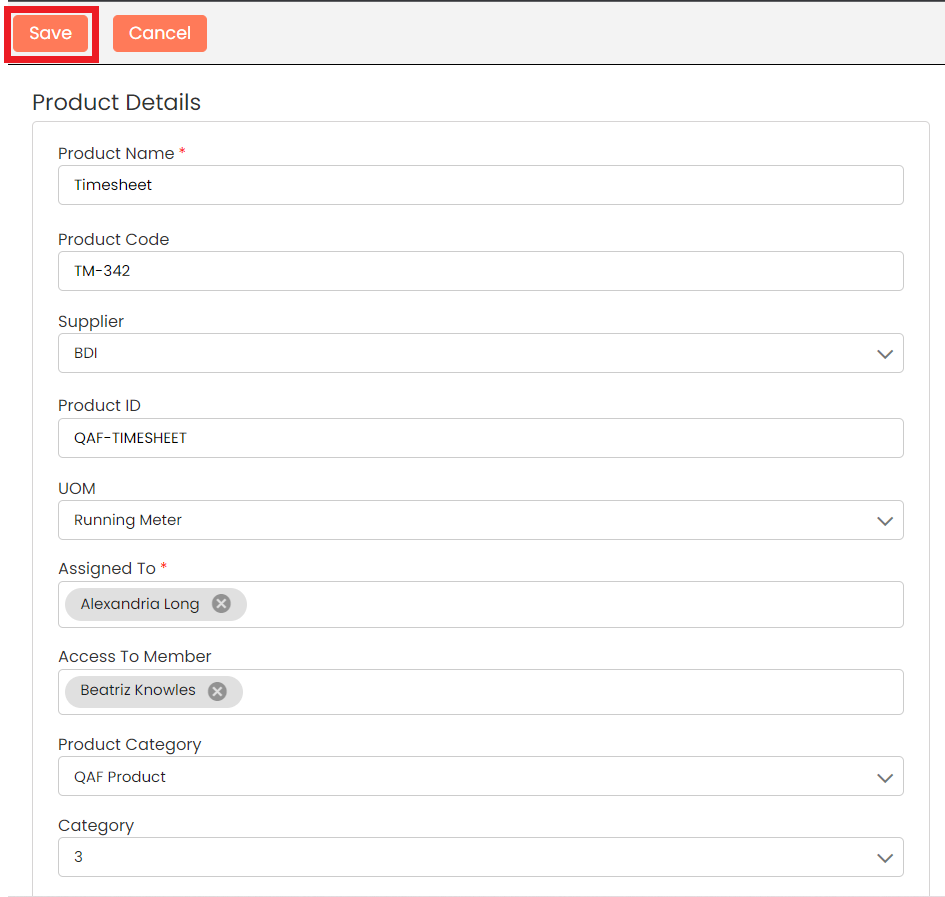
Add all the Details and **Save**
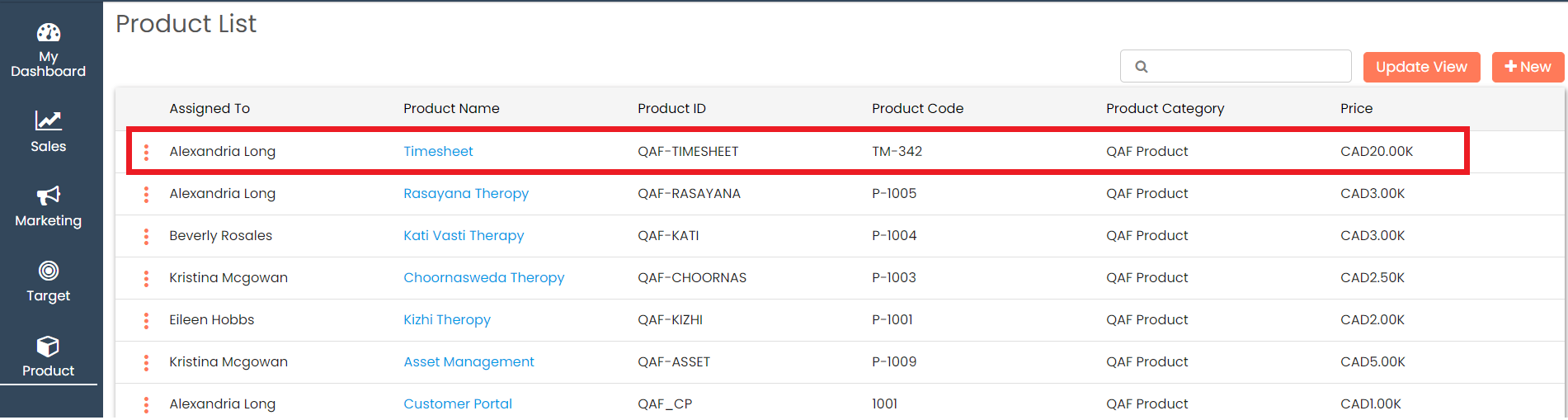
Check the newly added **Product** shown top of the list
## Edit Product
You can choose to edit the product that you have created.
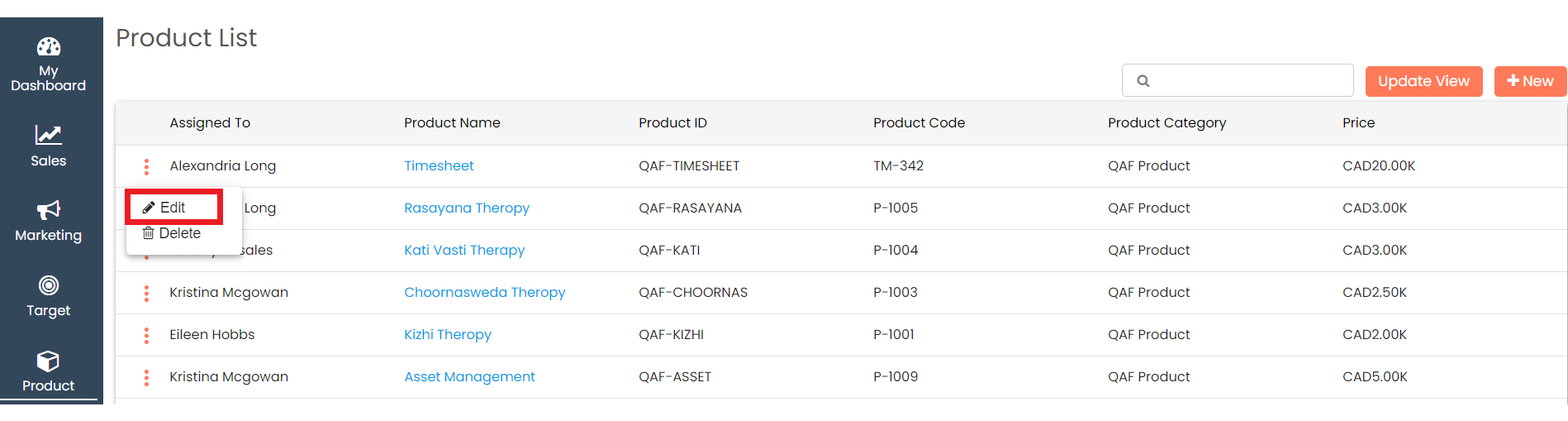
Click on the Action menu (3 vertical dots)  for the record that you would like to edit and click the **Edit** button
Make the necessary changes and click on **Save**
## Delete Product
You can choose to delete the product that you have created.
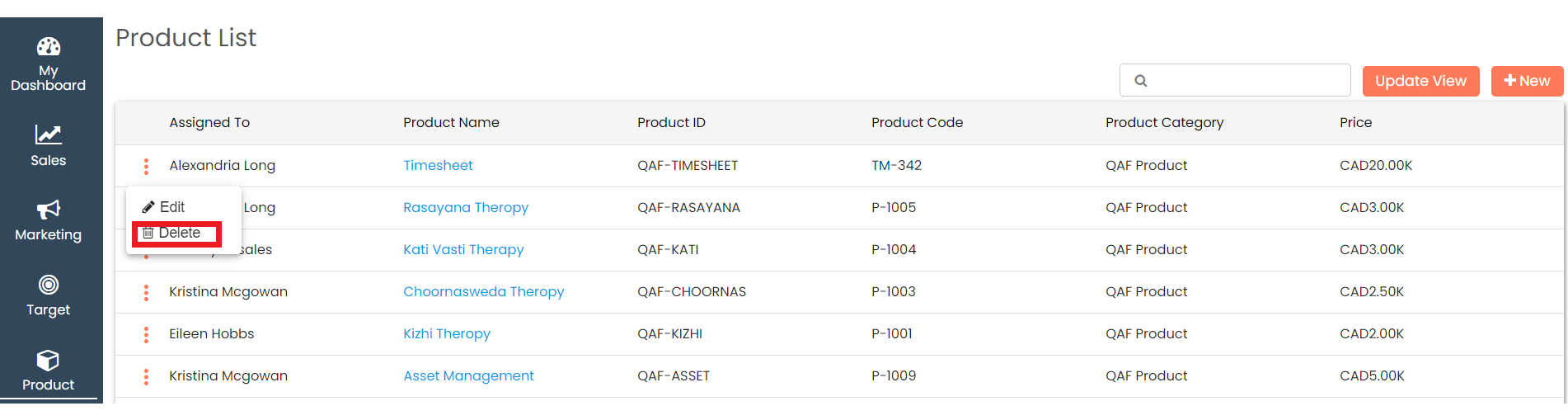
Click on the Action menu (3 vertical dots)  for the record that you would like to delete and click the **Delete** button
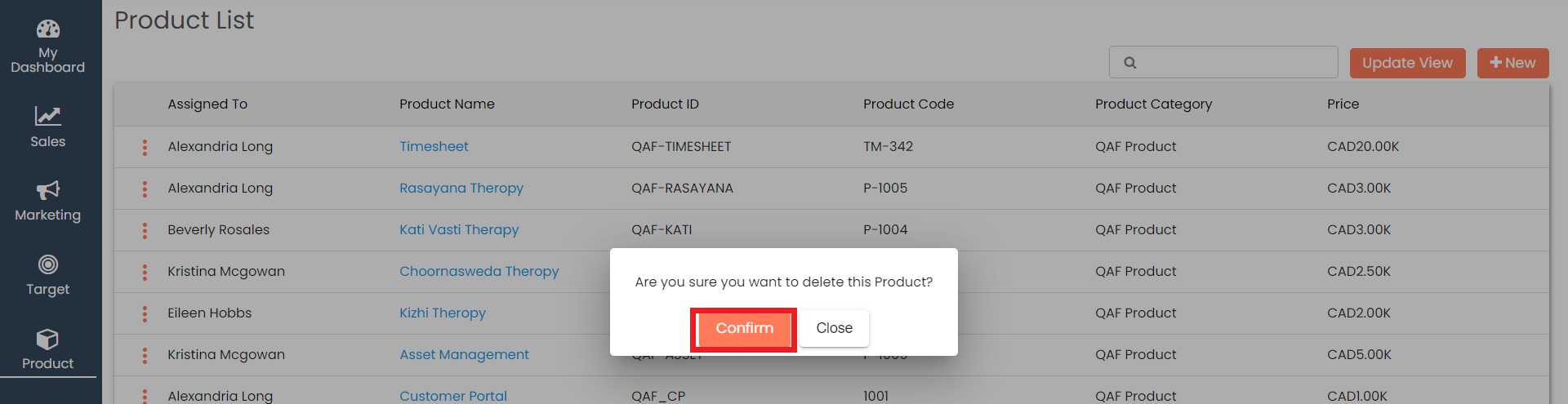
Give the **Confirmation** in the popup and the record will be deleted