> For the complete documentation index, see [llms.txt](https://help.quickappflow.com/llms.txt). Markdown versions of documentation pages are available by appending `.md` to page URLs; this page is available as [Markdown](https://help.quickappflow.com/framework/form-designer.md).
# Form Designer
Go to Repository.

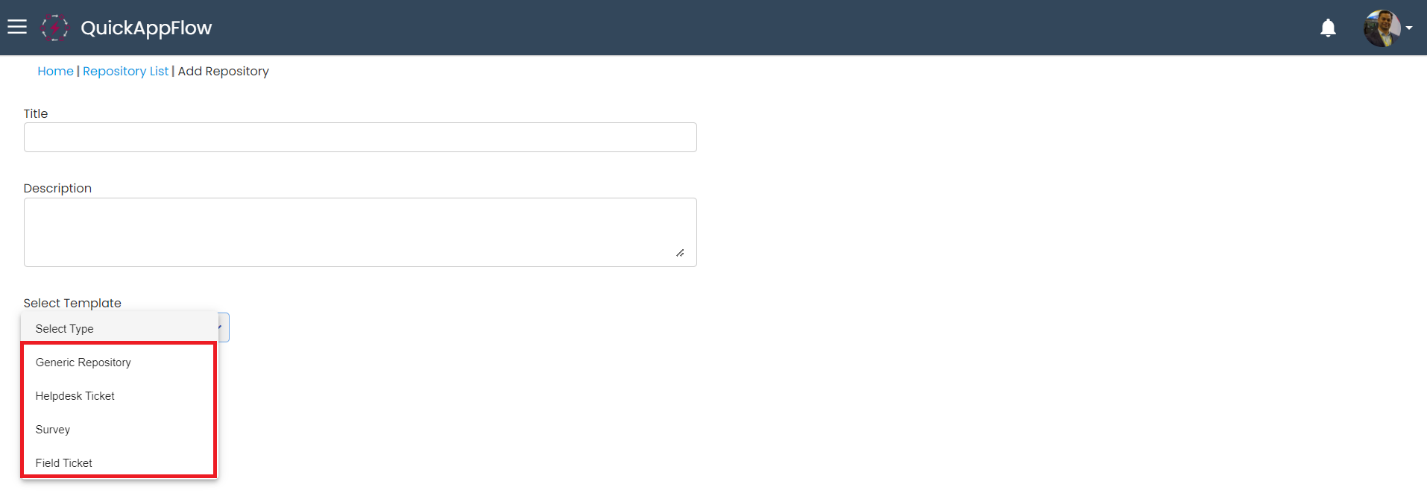
Click on “Add Repository”.

There are four type of template to create form.
* Generic Repository
* Helpdesk Ticket
* Survey
* Field Ticket
## **Generic Repository**
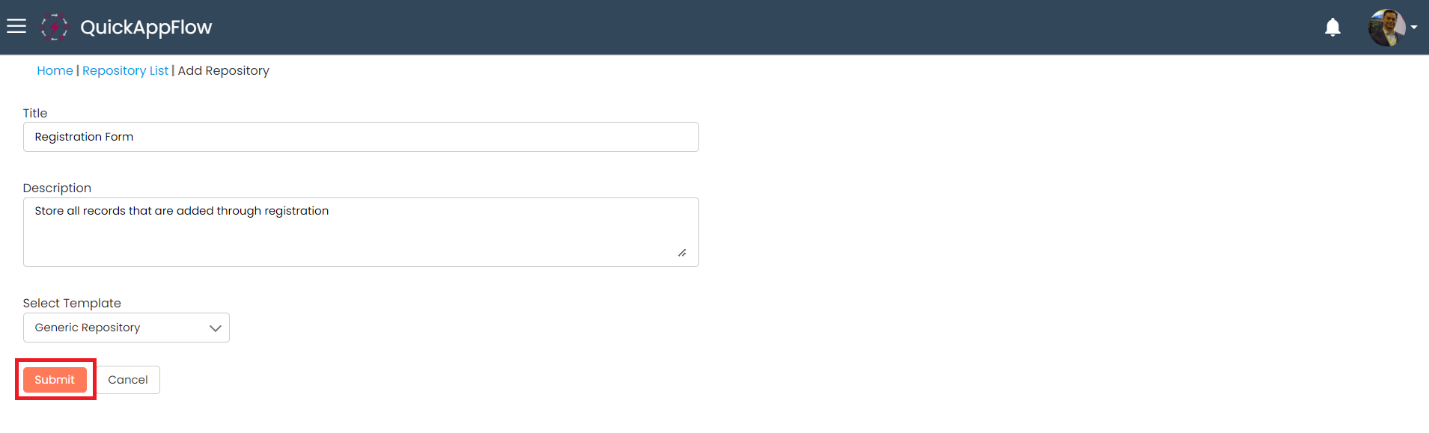
Enter Title, description and select template as “Generic Repository”.
You can add name of the section.